Articles in this section

How do I check my Wyze Wits point balance?

To check your Wyze Wits balance:

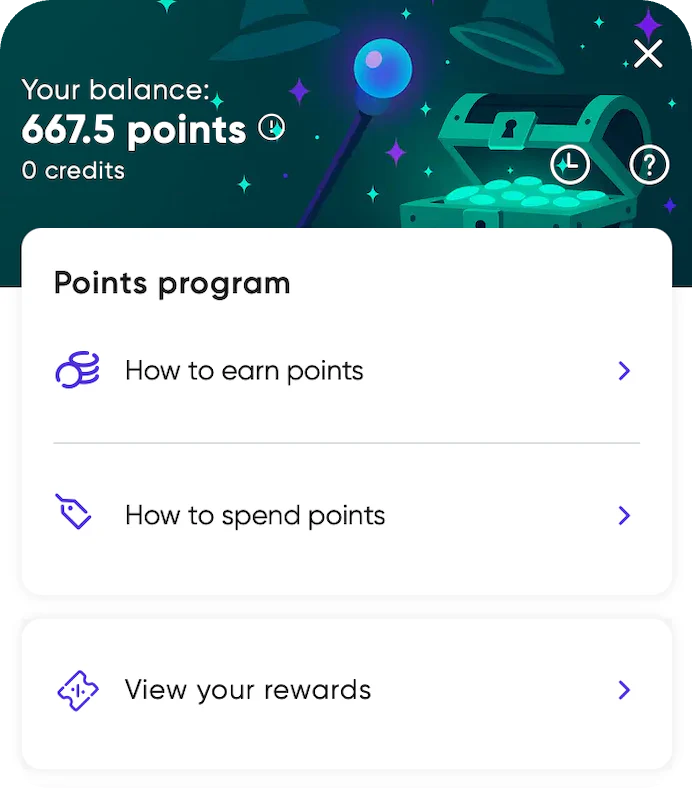
  1. Sign in to wyze.com.
  2. Click or tap the Rewards bubble.
  3. Your point balance displays at the top of the card.

Your Wyze Wits points update after your payment is captured. If your order is canceled or refunded, those related points will be removed from your balance.

Contact Us

  • Service Status

    Check if there are any ongoing issues on wyze.com & the Wyze app.

  • Contact Us

    Monday through Friday, 6AM-6PM, Saturday & Sunday 8AM-4PM Pacific. US Phone: +1 (206) 339-9646.

  • Join our Community

    Find answers, ask questions, and connect with your fellow community of Wyze users.